The bell closes the loop between the floor and the office. Four things reach you: a task over its planned hours, a task past due or not started two days after its scheduled start, a completed project waiting on close-out, and comments on your tasks. Notifications go to the project manager, the task owner if one is set, and the department's supervisors.
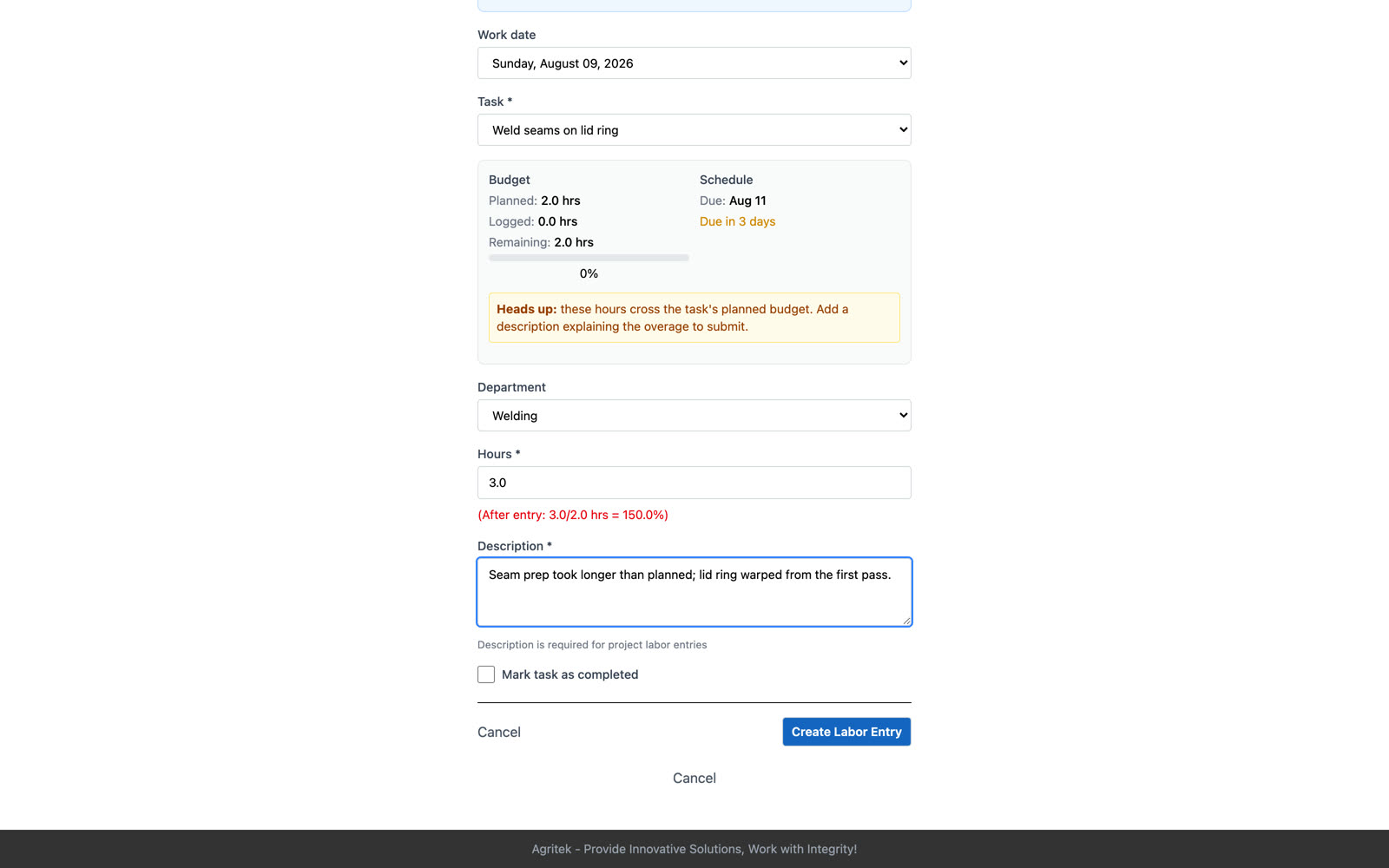
Here's the loop from the operator's side. Jack logs three hours on a task that was planned for two. He leaves a note about why, and the entry goes in; but now the task is over its budget.
The entry that tips a task over its planned hours goes through; the operator is asked for a note. After that the task locks against further labor until a supervisor approves the overage.
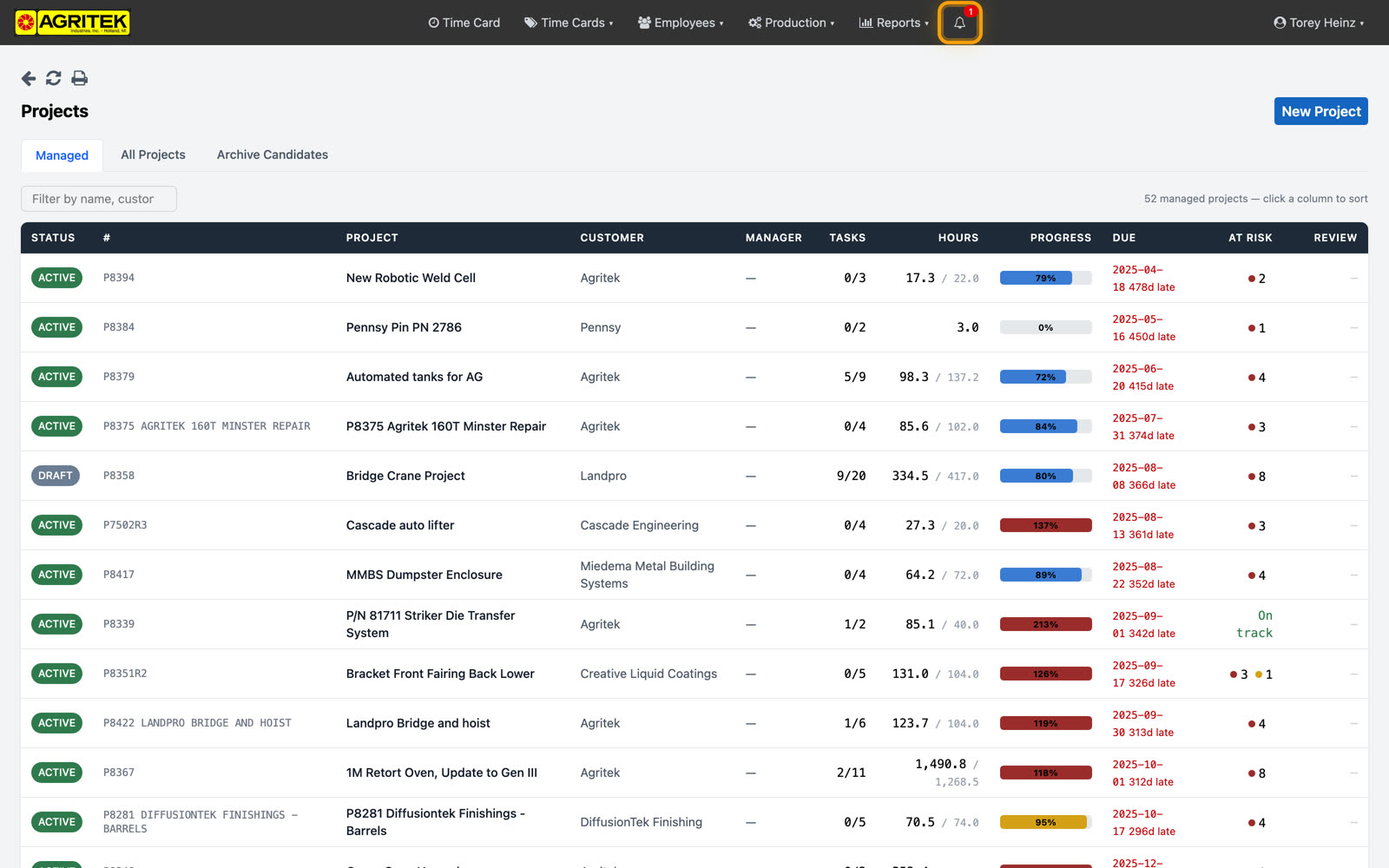
And here's the manager's side. The bell in the header ticks; you don't have to go hunting. Four things reach you here: a task over its planned hours, a task past due or not started a couple days after its scheduled start, a completed project waiting on close-out, and comments on your tasks.
Close-out: 30 days after a project completes, any task still open raises a reminder. That's the invoicing catch; nothing ships complete and then sits unbilled.
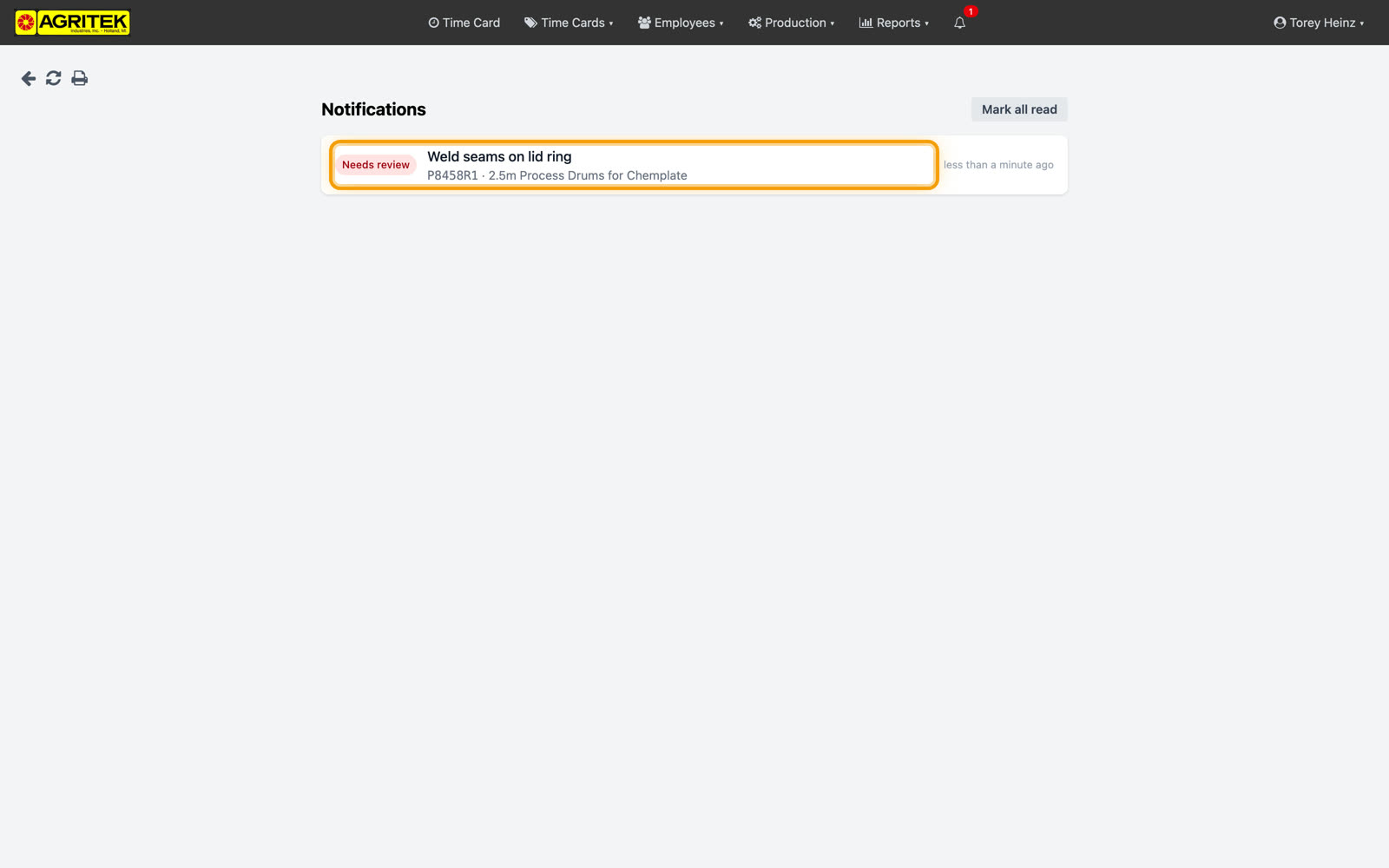
The notifications page lists everything that needs you, each one naming the project and the task. Clicking one lands you on the thing itself.
The flagged task opens with the operator's note right there. Approving the overage clears the flag and the notification; the note and the approval stay on the record for good, and that history is what backs up the R and D credit.
Approving unlocks the task for further labor. The operator's note and your approval stay on the record permanently; that history is what backs up the R&D credit.
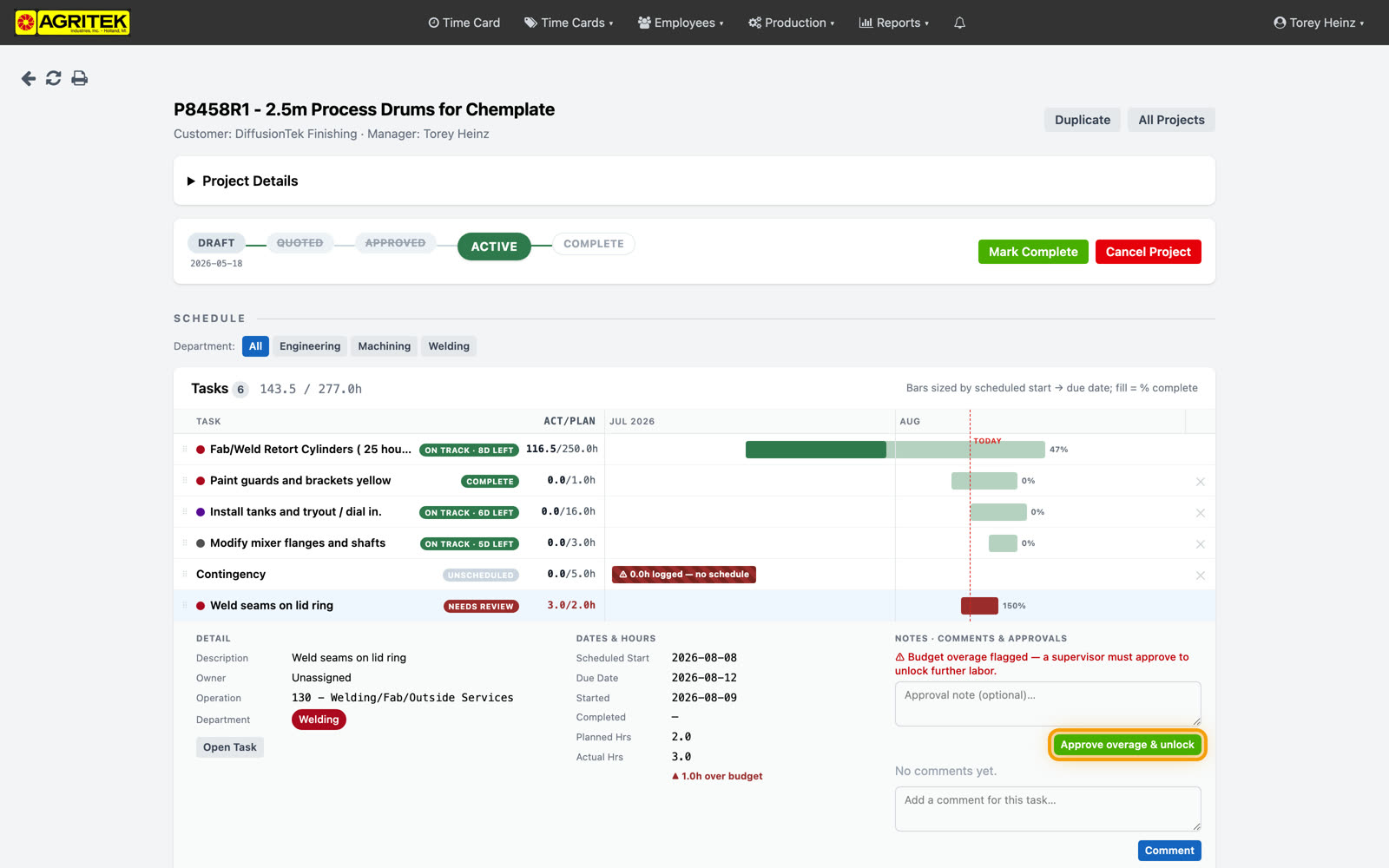
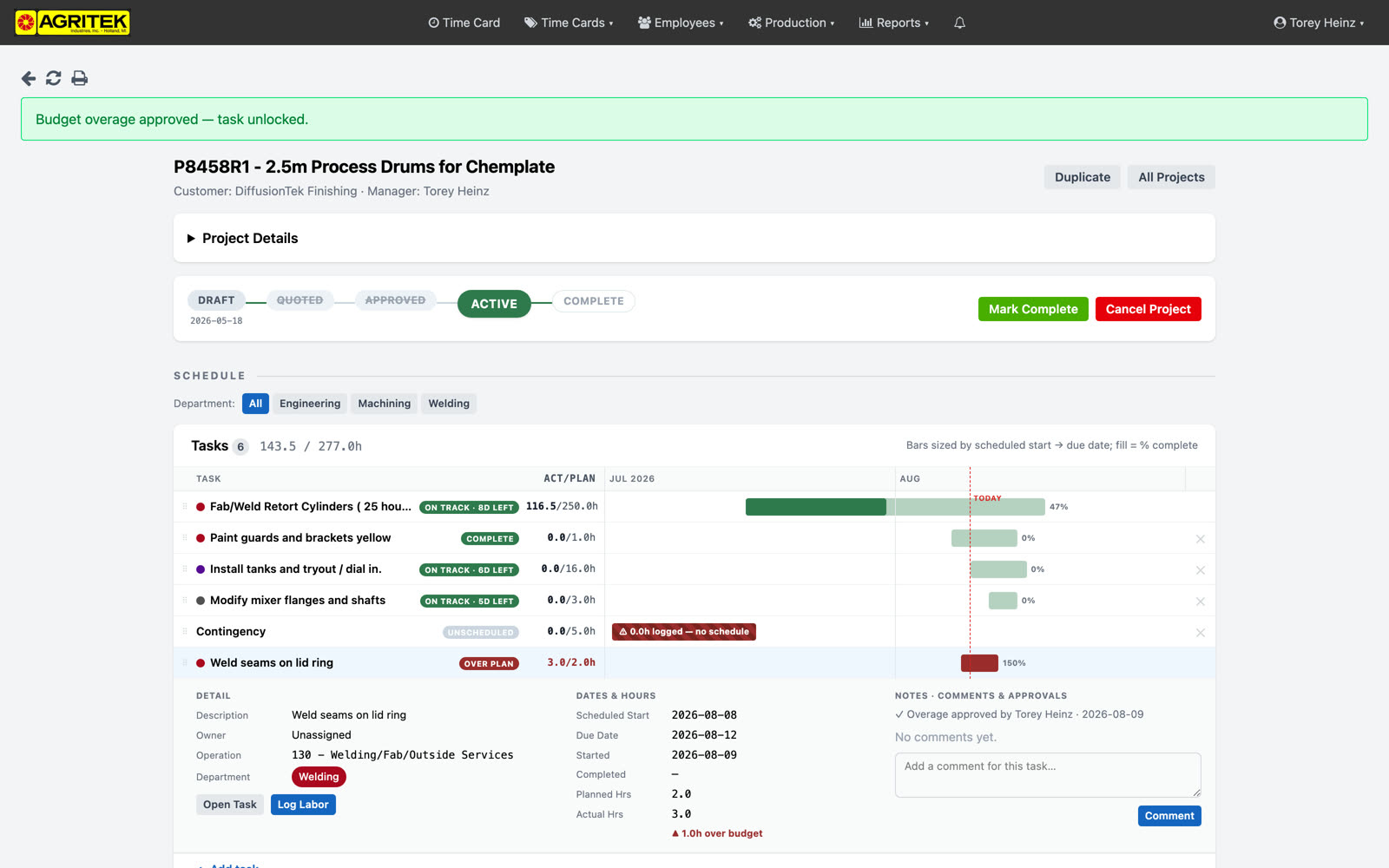
The Schedule section is the same board the operators see, but here you can edit it. Drag rows to reprioritize, click one to edit dates and hours. Yellow means eighty percent of the hours budget is used, or eighty percent of the scheduled window has passed. One quirk: while the department filter is on, dragging is disabled on purpose; clear the filter to reorder.
Yellow means 80 percent of the hours budget is used, or 80 percent of the scheduled window has elapsed. Red means past due or over budget. While the department filter is on, drag-reorder is disabled on purpose; clear the filter to reorder.
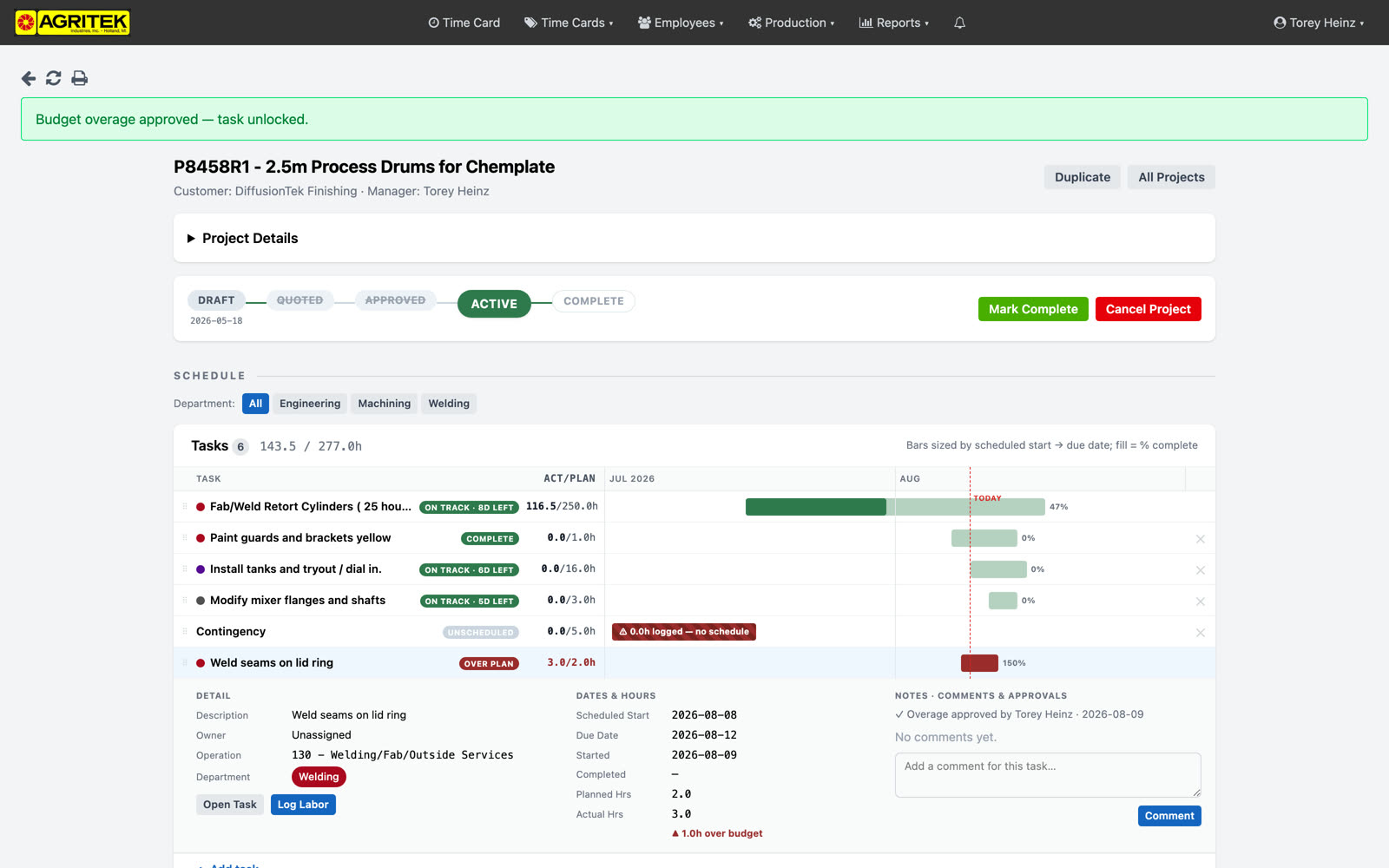
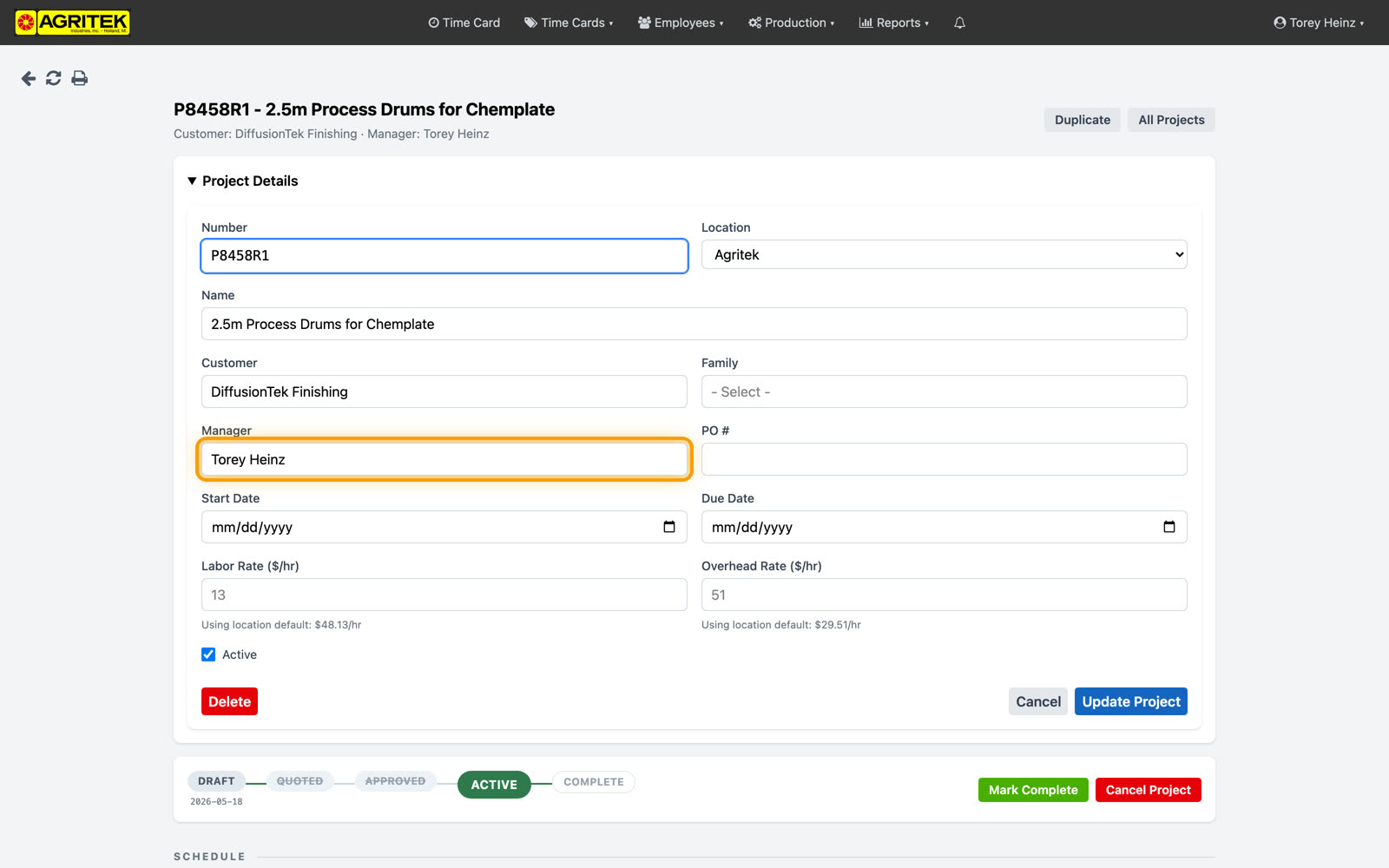
Task owner is optional; the project manager gets the task's notifications either way. Set an owner when someone else is responsible, and they get them too. Both the Owner and the Manager dropdowns list supervisors only now; half a dozen names instead of a hundred and seven.
Task owner is optional; the project manager gets the task's notifications either way. Someone already assigned always stays in the list, so editing a task can't silently unassign them.
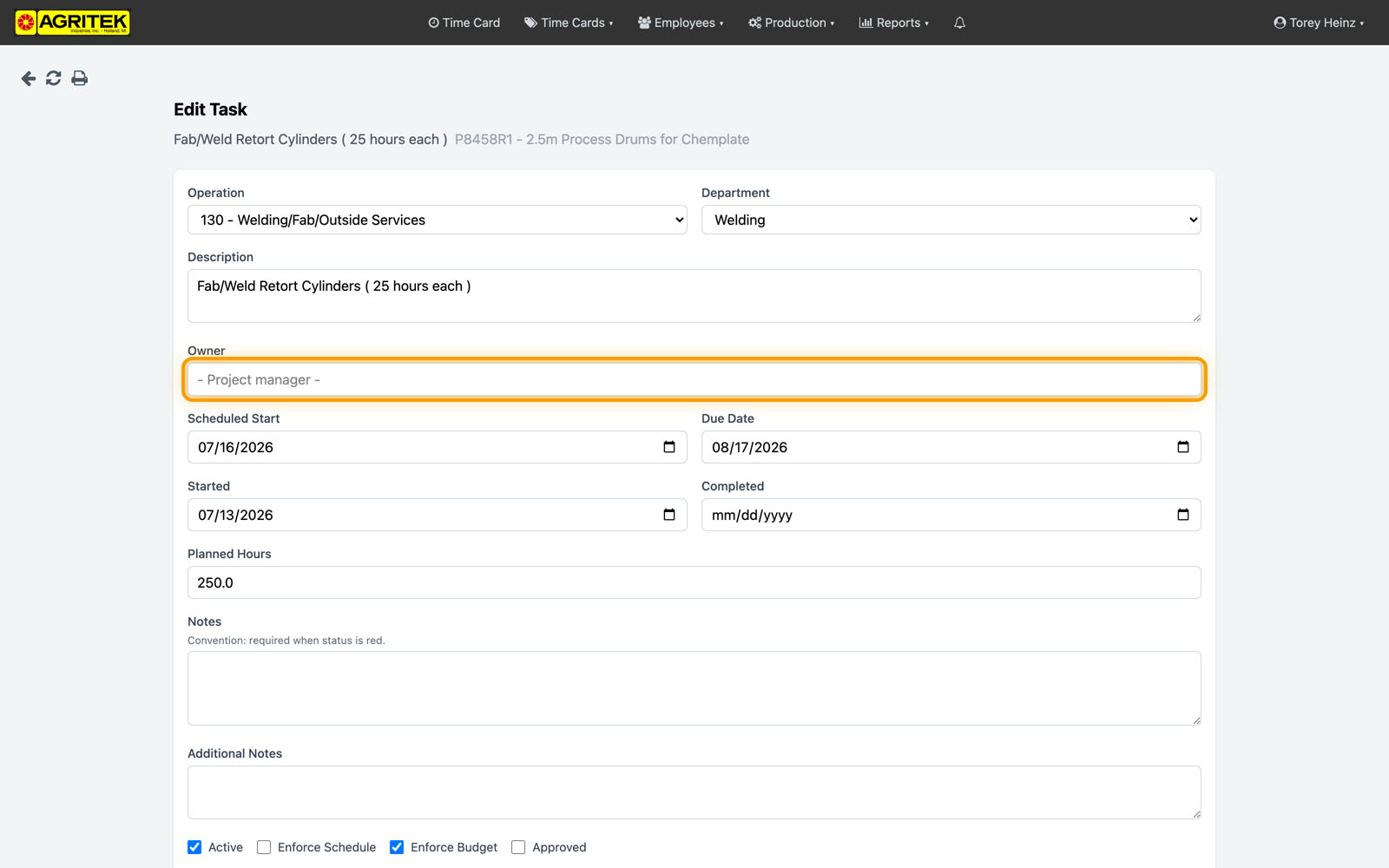
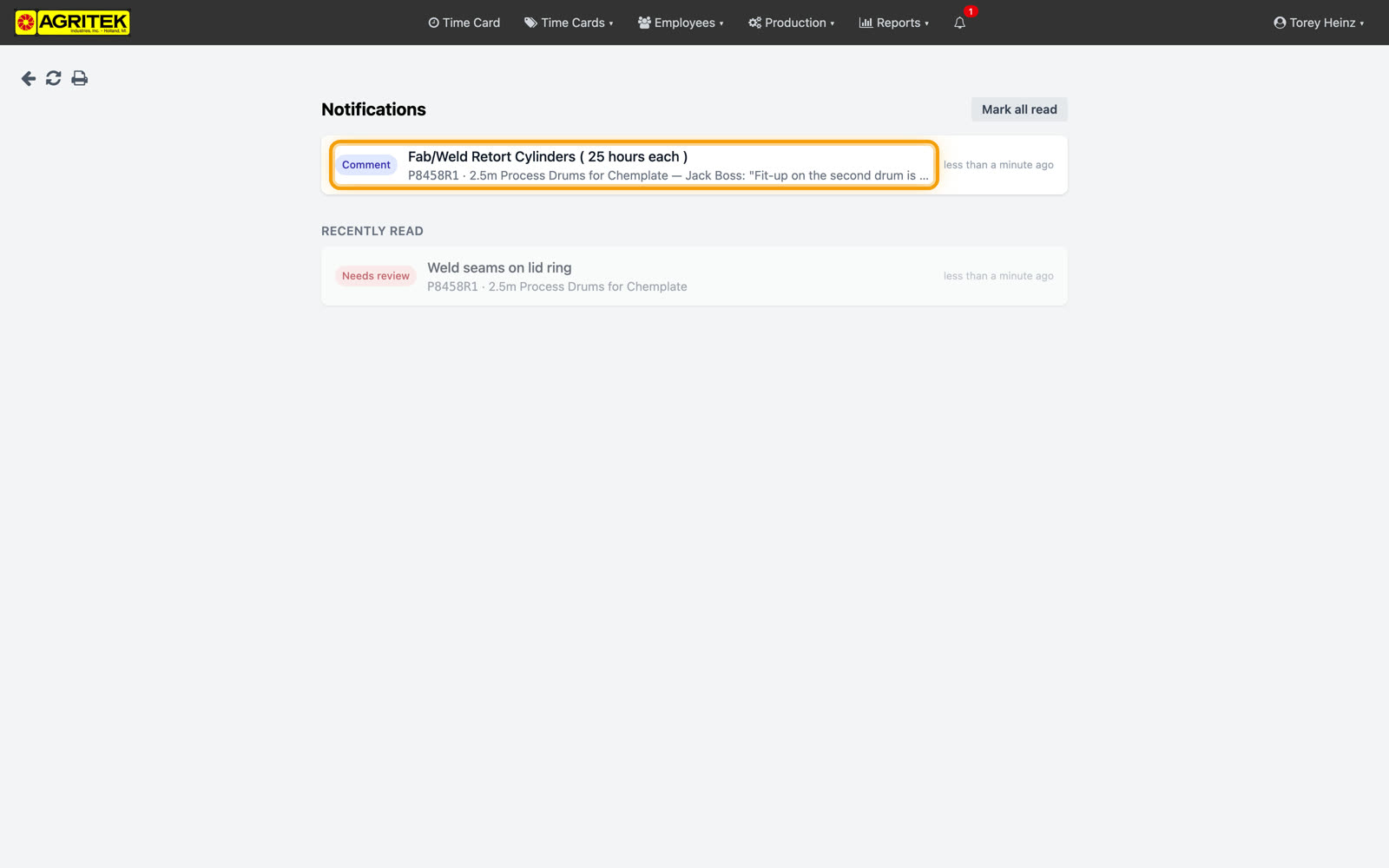
Comments are the messenger layer. Jack flags a fit-up problem from the floor, and it lands in your bell attached to the task; nothing lives in a text thread nobody can find later. Everything stays logged.